Workflow – Visual Documentation
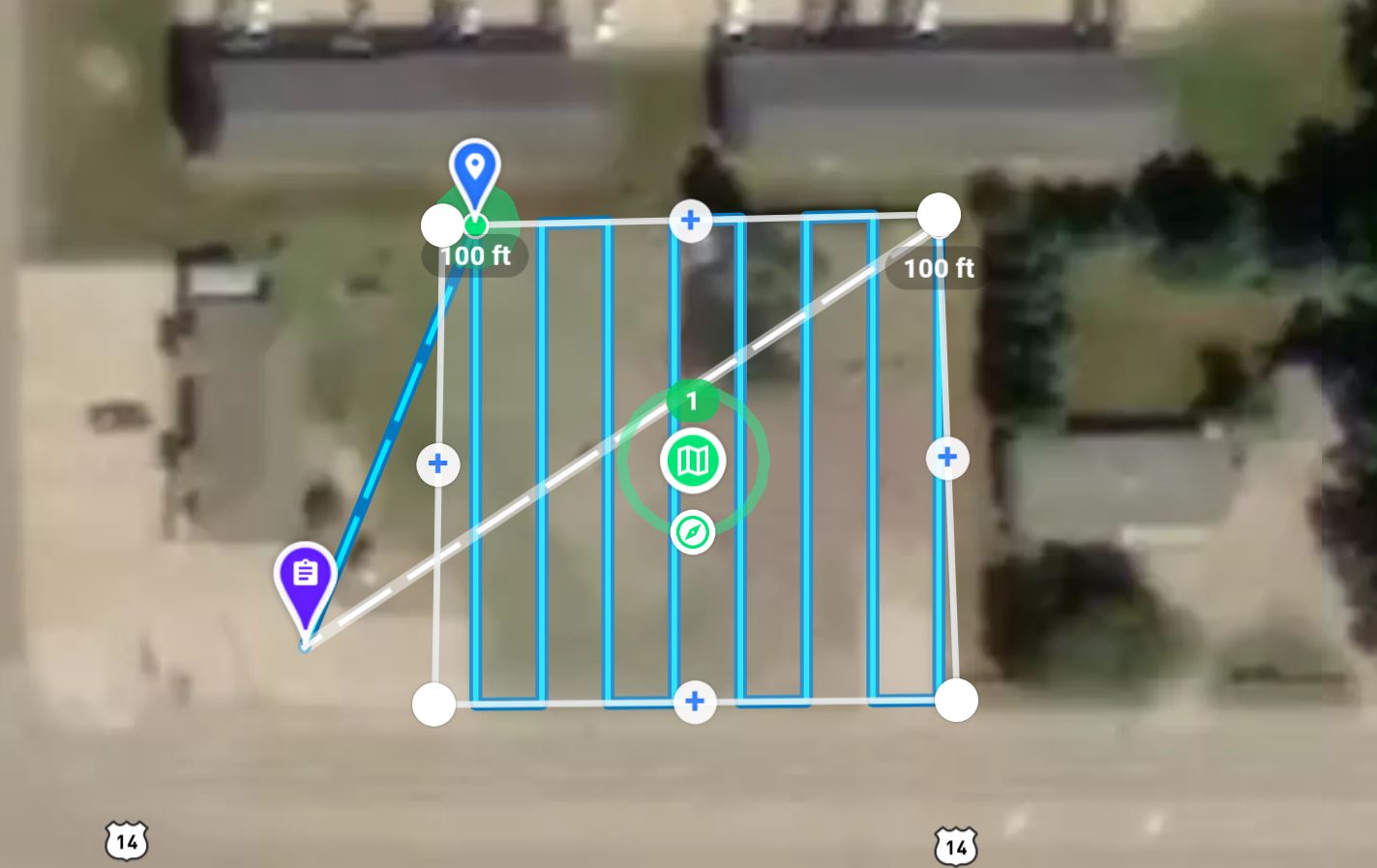
1. Capture: (Plan and Fly)
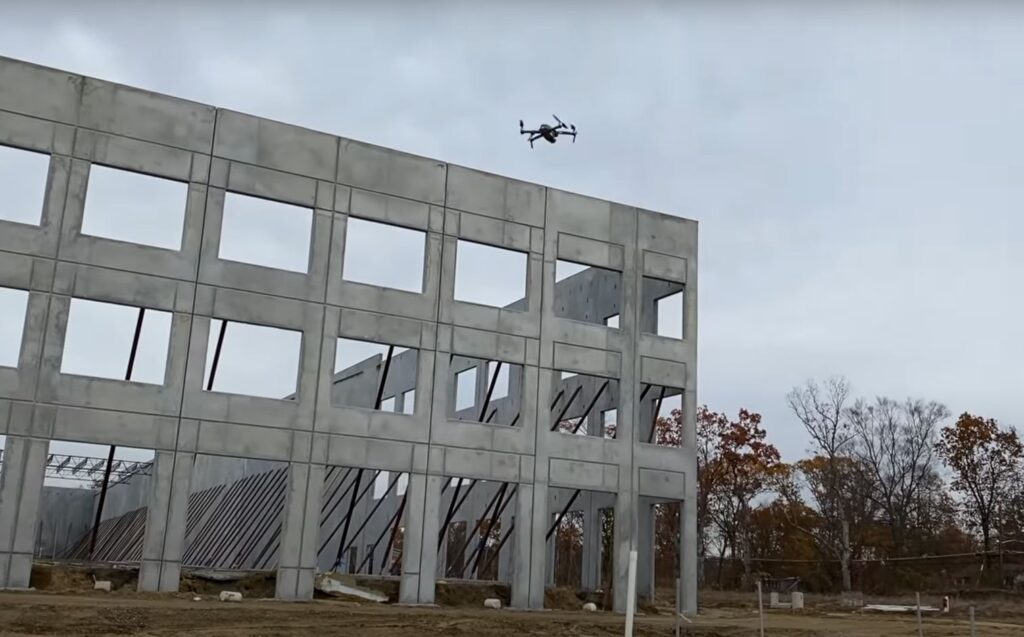
To capture the progress of a construction project over time, it all starts with capturing the right imagery at the right time.
Capture is defined here as the record of visual images taken with a camera saved as photos or video. These images are like a digital log of a construction project fixed in time.
The digital data captured can be kept in its raw form or it can be modified in ways that enhance the usefulness of that data.

2. Process:
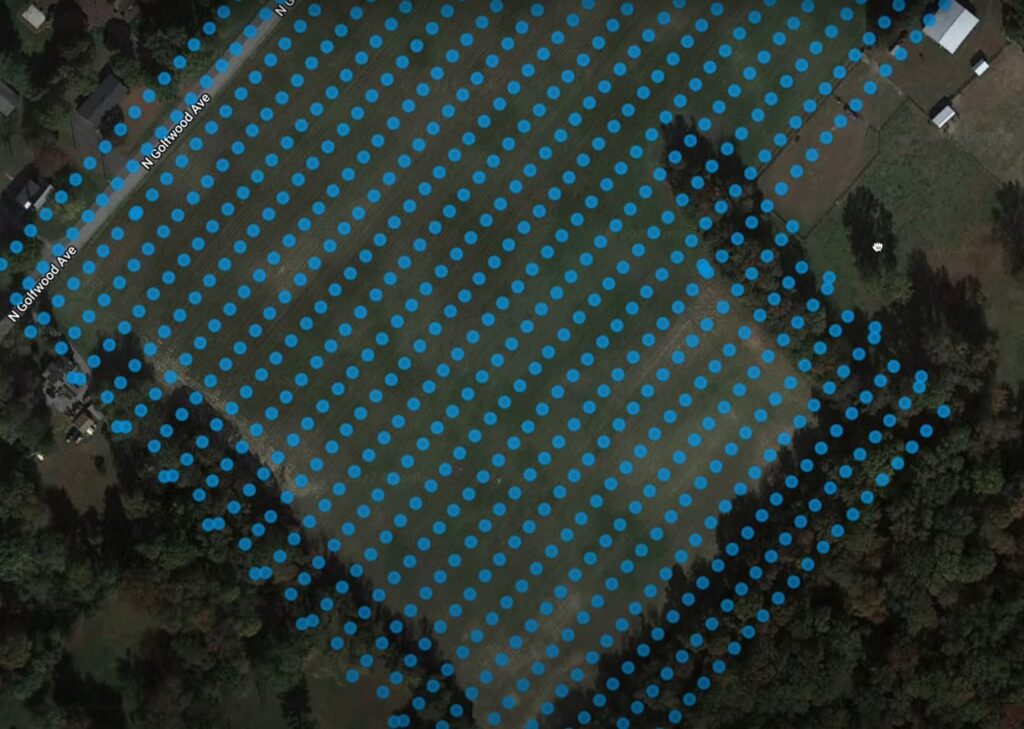
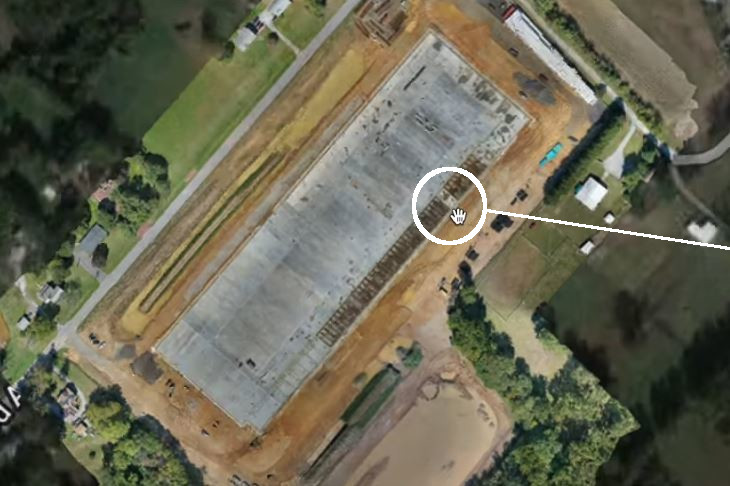
The visual data captured is processed into orthomosaic photos, 360° virtual tours, before/after photos, overlays, 3D models, digital surface models and more.
The visual data materializes into both actionable and immersive content. Different processing techniques turn the data into visual images that can be viewed in various ways to analyze the whole site.

3. Present:

Visual information is only useful if it can be quickly found and easily retrievable.
We organize your visual documents in such a way that they can be retrieved without searching for them on your computer or smartphone. We provide a centralized location where all stakeholders can access the same visual data.
4. Analyze: (Decipher and Share)
Examine the visual documents to determine the true status of the project. This prompts action, aids in the decision-making, can identify a problem, expedite resolutions and assist in the day-to-day operations of the project.